
Tips to Create Professional Quality Products Business Services Photography on a Budget
We’ll help you create stunning images that will give your business the professional edge it needs.
Introduction
Creating professional quality photos doesn’t have to cost a fortune. With the right equipment, a little bit of creativity and a good eye, you can create business quality images without having to break the bank.
This guide will provide you with tips and techniques on how to easily achieve professional quality product or services photos on a budget. We’ll cover topics such as using existing photography equipment, the perfect backdrops and lighting, capturing unique angles and post-processing techniques that can take your images from average to exceptional with only minor effort.
Whether you’re just getting started in photography or an experienced photographer looking for methods to work within tight budgets, this guide is for you!
Benefits of Professional Quality Products & Business Services Photography
Products and services photography can help to create a compelling marketing image for your business and improve the visibility of your products and services on the web, in print, or on social media platforms. Professional quality photos can elevate the perception of your business to customers and effectively communicate information about what you do in an attractive way. Investing in professional quality photos of products, services, staff, and locations can be well worth it.
Not only do professionally produced pictures look much better than lower-budget DIY images, they also provide concrete benefits that can help to support sales efforts. Here are some of the advantages that high-quality product photography offers:
• Increased perceived value of your products and services – Your images should accurately convey the details and features of what you sell. Quality images taken with specialized equipment by experienced photographers will deliver better results and create trust with potential customers.
• Improved website performance – Professional product photography encourages website visitors to stay longer and move further into the site as they learn more about what you offer through visuals. They’re also essential ingredients for digital marketing campaigns such as email newsletters or social media advertising campaigns.
• Higher click-through rates (CTR) – Prospective customers are statistically more likely to click through when a higher quality image is used in an advertisement or email promotion campaign instead of a low resolution instructional diagram or a generic stock photo.
• Increased customer loyalty – High-quality product photos represent an investment by your business in delivering excellent service which speaks volumes about how highly valued customers are by your organization.
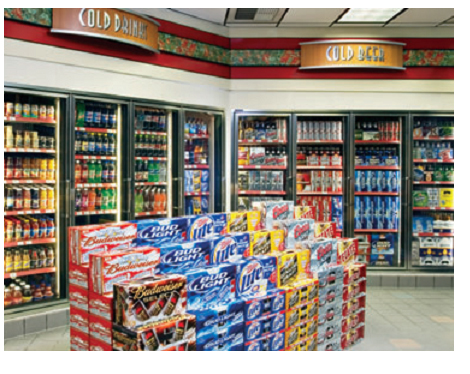








Equipment and Software Needed for Professional Quality Photography
When it comes to getting the most out of your photography and creating professional quality work, you need the right combination of camera equipment, photography software, and accessories. In order to achieve the best possible images, it’s important to know what tools are available, how they should be used, and what kind of result you can expect.
Camera Gear
The camera is the foundation for all great photography. When selecting a camera for product or business services photography consider its features such as megapixels, speed (shutter speed), image stabilization capability, and autofocus capabilities. Depending on your budget you may opt for a general purpose DSLR or a specialized high-end digital camera with greater depth of field capabilities that will allow close-up detail shots. Also important to consider is lenses which allow different levels of control over distance and field-of-view when capturing images. Accessories such as external flashes are also important when setting up an effective product photoshoot area in order to reduce shadows on items being photographed.
Software
Post-production tools are key in getting creative with images or polishing them off before presentation or delivery to clients. A combination of Photoshop software along with programs that specialize in managing slideshows and presentations make up essential software commonly used in product/business services photography studios. Additional assistive features like image editing plugins offer increased control over effects like color range adjustment, sharpness as well as cropping for final presentation ready images.
With the right combination of equipment and software it’s possible to create professional quality business services/product photos on a budget! Keep these tips in mind when planning your next project so you can make sure your space looks perfect before taking that first shot!
Tips for Capturing Professional Quality Photos
Capturing professional quality photos on a budget need not be an impossible task. With the right equipment and techniques, capturing perfect product shots, promotional images and more does not have to break the bank. Here are some tips for creating professional quality photos without breaking the bank:
1) Choose the correct equipment: Choosing the correct camera, lenses, tripods and lighting equipment is essential for creating great images. Be sure to select equipment which suits your needs, budget and skill level.
2) Make use of natural lighting: Natural lighting can create excellent photos with minimal effort. Look for well-lit outdoor spots or bright rooms, preferably with indirect natural light coming in through windows or white walls outside.
3) Utilize backdrops and props : Adding colors and textures such as fabric backdrops or paper backgrounds will ensure that your background remains consistent throughout a shoot or series of shoots – this is especially important when shooting products or similar items that require a uniform backdrop across images. Props are also an excellent way to add texture and interest to photos – from flowers to plants to cool accessories .
4) Rethink manual settings: Don’t be afraid of using manual camera settings – this will give you greater control over shutter speed, aperture and ISO which are essential for capturing perfect shots without blurry edges or overexposure . It may take some getting used to but it’s worth mastering these skills!
5) Experiment & practice : Experimenting with different angles, light sources & settings can lead you to new discoveries about what works best for you . Finally let yourself practice until you get those results that make you proud of your work !






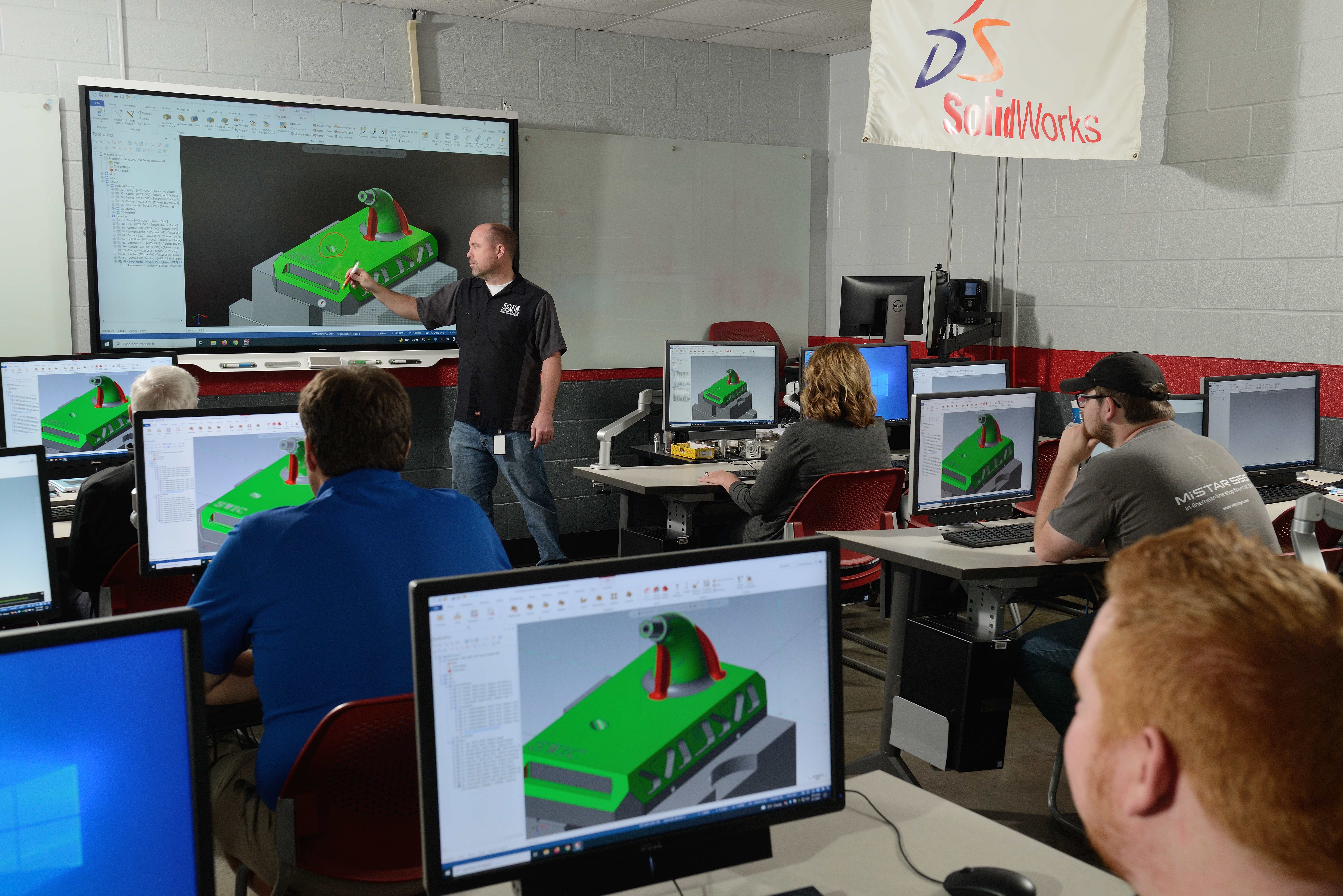




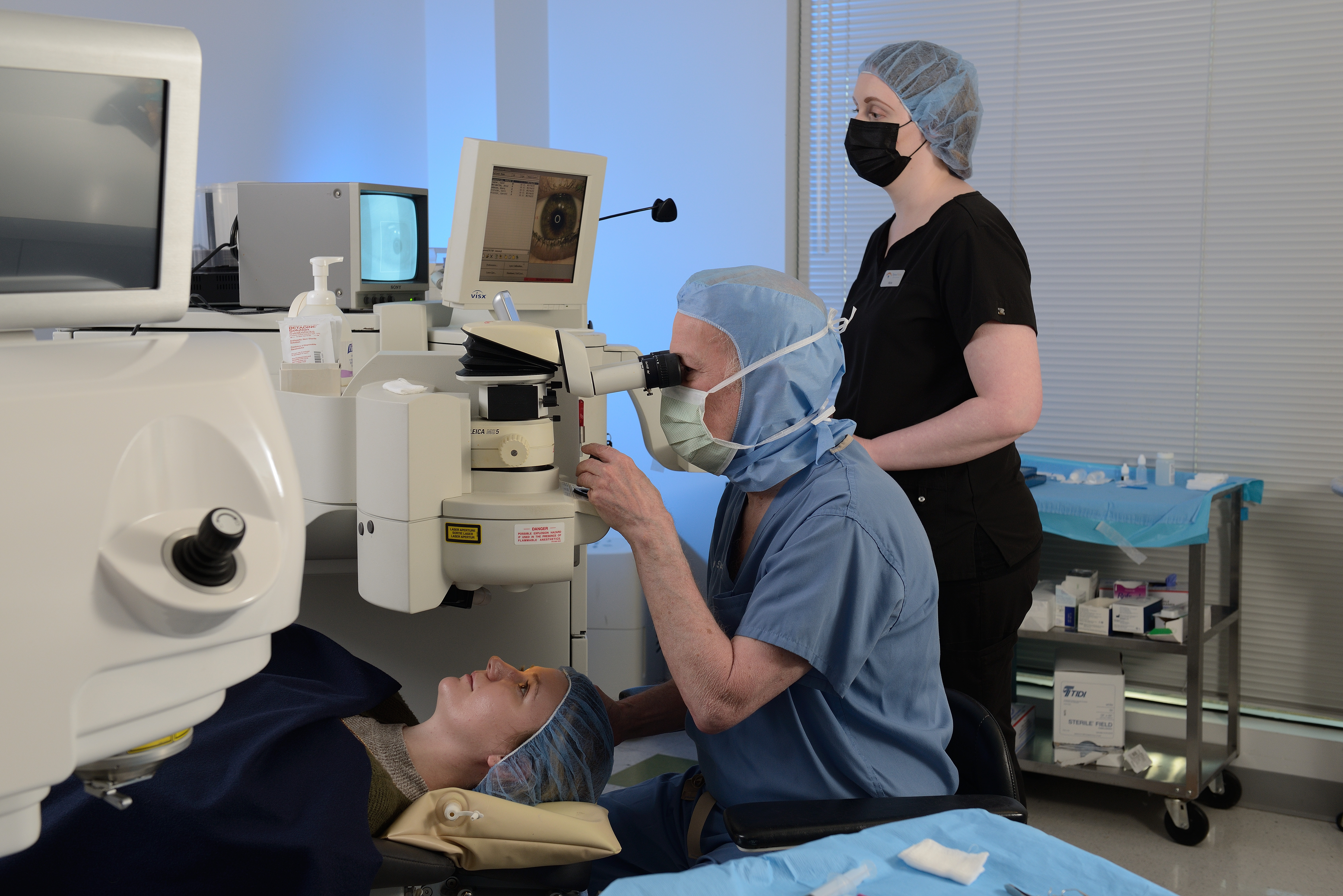
Tips for Editing Professional Quality Photos
Once you have taken the professional quality photos of your products or business services you will need to edit them to show the best light and angles. Editing your photos can take just a few adjustments or extend over many hours if you want to be very precise. Here are a few basic tips for editing photos professionally on a budget:
1) Adjust white balance: If you’re using natural light for your shoots, it’s important to adjust white balance – this will ensure the colors in your photographs look accurate and consistent. You can easily do this with any photo-editing software such as Adobe Photoshop or Lightroom.
2)Enhance shadows and highlights: If the angle of lighting in your shoot leaves shadows, adjust them slightly to give more depth/perspective or correct any overly bright spots that can make images seem washed out. Depending on the type of images being edited, you may choose either shadow or highlights as the main priority when editing – usually brighter promotions will require more work enhancing highlights while darker items may need greater emphasis on shadows.
3) Flash exposure compensation: You may find yourself wanting to use flash (or already be using flash!) when taking product shots – Flash exposure compensation enables you to adjust exposure variables like brightness, contrast and even colour temperature by adjusting exposure time and aperture control. This ensures that detail is kept in all of your shots – too much underexposure in dark places causes details lets lose details, whereas too much overexposure causes ‘washed out’ results with no clear profile detail remaining visible once you take an enlarged/high resolution shot of a product.
4) Color correction: Product shots are often prone to color issues due to mixed lighting from indoor/outdoor sources – color correction minimizes color inconsistencies among different areas of a single image by adjusting saturation values & color (brightness & warmth). Again, both Photoshop & Lightroom offer very good tools for achieving this result by tweaking certain ‘curves & sliders’ which allow altered levels between RGB channels (helpful technique even when trying to match colours in complex scenes). Making these edits manually is preferred since it gives good control over hue, saturation & lightness settings; however some automatic tools exist within certain software programs (depending on which one you’re using).
Tips for Saving Money on Professional Quality Photography
When seeking professional quality photography on a budget, there are a few tips and best practices that should be considered.
1. Research and Plan Ahead: The best way to save money on photography is by thoroughly researching your options in advance and think creatively about how to approach the shoot.
2. Buy Your Own Equipment: Investing in your own photographic equipment can drastically reduce the costs associated with hiring professional photographers or renting equipment. Reuse existing props, backgrounds, and materials in order to streamline production costs for multiple photoshoots.
3. Utilize Natural Lighting: Leverage natural light when possible by shooting outdoors or near windows as this can significantly reduce lighting costs associated with artificial light sources. When shooting indoors, it is recommended to use open shades that allows natural light into the room rather than blocking it out with thick drapes or blinds that filter out available daylight from outside sources.
4. Shop Around for Prices: Don’t settle for the first photographer you find, always compare prices and packages between different professionals in your area to ensure you’re getting the best deal possible based on your specific needs and budget requirements before committing to any particular service provider or photographer.
5. Negotiate Discounts & Payment Plans: Many times photographers are willing to offer discounts or payment plans if negotiated ahead of time so be sure to mention when/if you have additional photoshoots scheduled during future dates so they may incorporate those planned shoots into one discounted package price going forward over a period of time.
Tips for Maximizing the Impact of Professional Quality Photography
Personal and business projects can benefit from high-quality photography that captures the personality, product, or services of a brand. Professional quality photography is a powerful tool for effectively marketing and communicating messages to target audiences. High-resolution images also create efficient workflow processes within a business’s marketing teams. Creating professional quality images on a budget can be challenging, but with careful planning and smart techniques it is achievable with stunning results. Here are some tips to maximize the impact of professional-quality photographs:
-Choose the right equipment for the job: Selecting low-cost but appropriate camera equipment for the project will give you an advantage in terms of creating creative photos without breaking your budget. Consider lens options, lighting equipment, tripods, flashes, filters and photo editing software that’s both powerful enough to achieve desired results while also cost effective.
-Utilize natural light: Making use of natural light when possible is an impactful way to produce stunning photos without investing in advanced lighting kits. Natural light creates great shadows and depth which complements visuals without incurring extra cost or setup time usually required when using advanced lights systems. When outdoors look up at the sky before shooting as direct sunlight may cause overexposure which needs to be adjusted prior to shooting or during post production editing if shot raw with exposure levels set correctly .
-Analyze your surroundings: Investigate your setting as visually appealing elements like backdrops can add context and meaningful detail when capturing product shots, entertainment events or architecture depending on type of images desired for final products being created. Research what other successful photographers have done in similar scenarios for ideas on how to structure shoot plans and identify backdrops that provides interesting backgrounds for photos enhancing visuals overall.
Following these tips should help you maximise the impact of highly professional quality photography at minimal cost!
Conclusion
Ultimately, taking professional-quality photographs on a budget requires careful planning, a bit of commitment to learning the basics of photography, and time. Many businesses opt to hire a professional photographer if the project requires complex lighting and studio creativity. In the long run, however creating your own business product or service photos can save you money, give you creative control and provide a valuable asset to your marketing efforts.
By investing in some basic equipment, preparing for shots beforehand and using natural light when possible, you can create stunning photographs that will help develop your brand and differentiate it in your customers’ minds.
314-913-5626
Mike Haller
4501 Mattis Road 63128
mikeh@hallerconcepts.com
 St Louis HeadShot Photographer, Inc.